PNG or JPG for logos and text on social media: what to export and when

JPG and PNG do not compete on equal terms: the first is built for photographs with millions of colours; the second, for graphics with sharp edges, text, and transparent areas. Uploading a logo as JPG or a product photo as a 3 MB PNG are opposite but equally common mistakes — and social networks will not warn you before recompressing whatever you send.
What JPG does well (and what it destroys)
JPG compresses by dropping information the human eye tolerates losing in a photo: smooth gradients, skies, skin, blurred backgrounds. What JPG does badly are hard edges: text, logo lines, icons, and abrupt transitions between colour and transparency — artefacts and dirty halos around white letters.
What PNG adds (and why it is not free)
PNG keeps sharp edges and an alpha channel — real transparency. It is the right format for logos on photos, stickers, and graphics with embedded text. The cost: heavier files, especially when you export a full photo as PNG when there is no transparency to preserve.
Practical rules before export
Photo or portrait without transparency → JPG, high quality (85–92), at final destination size. Logo, icon, text on transparent background → PNG. Mixed piece → JPG if everything sits on an opaque background; compose the logo onto the final background before uploading because networks will convert PNG to JPG in the feed.
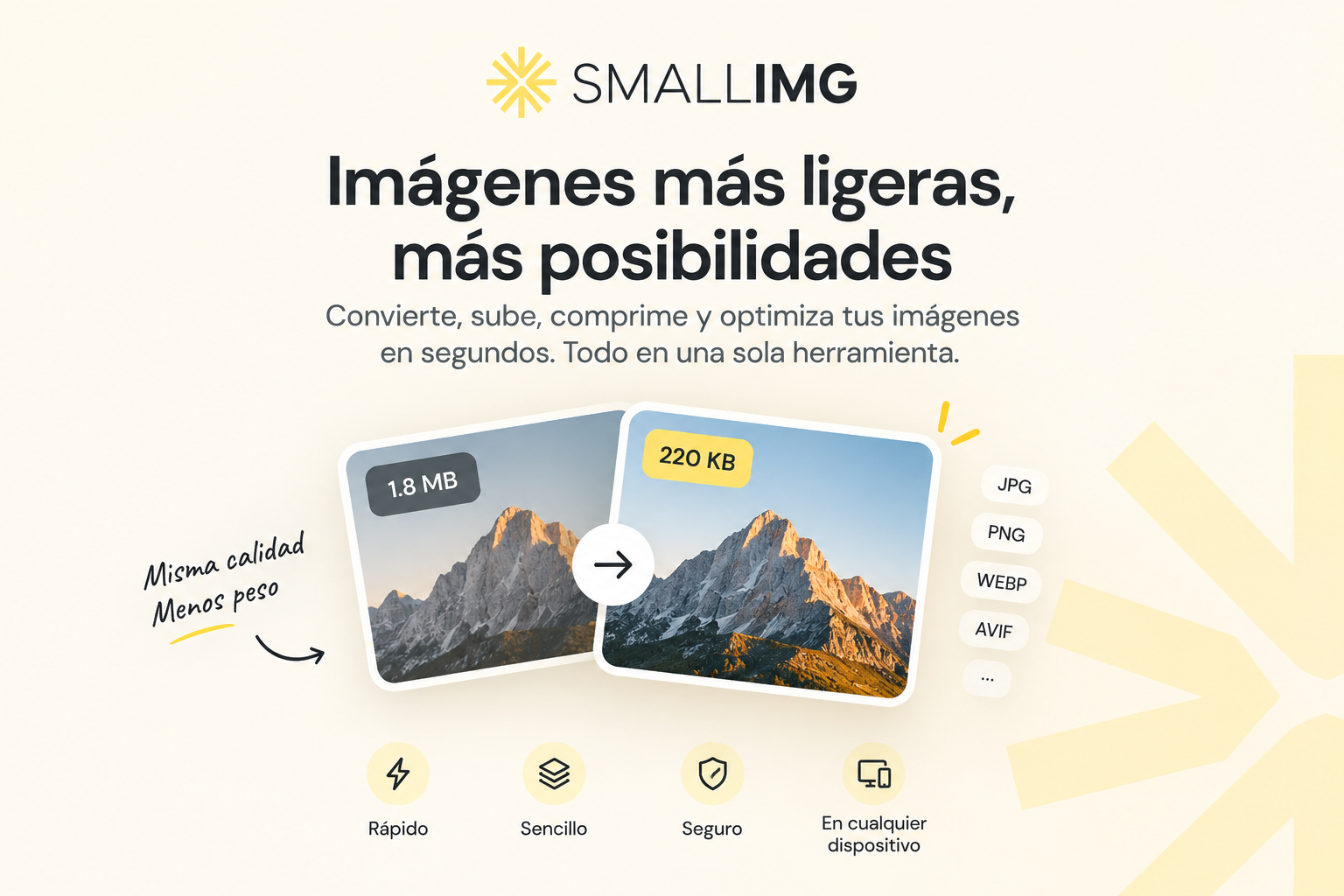
Adapt your image to each network's format and choose JPG or PNG at download — try it here. To reduce weight without changing dimensions, SmallImg compresses without unnecessary intermediate steps.